
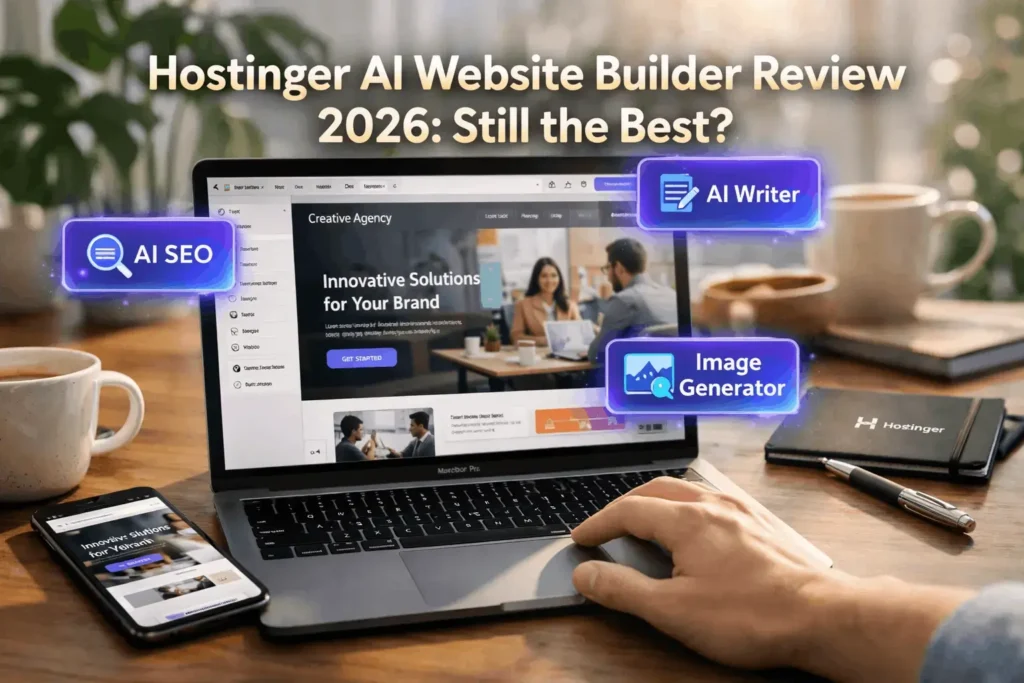

Creating a professional website used to mean two things: a massive budget or a massive headache. But with the rise of AI, that’s changing fast. The Hostinger AI Website Builder is currently positioned as the ultimate “shortcut” for anyone who needs a high-quality site with minimal effort.
In this updated review and mini-tutorial, I’m breaking down whether Hostinger lives up to the hype, how the AI tools actually perform, and a step-by-step guide to getting your site live today.
Picking the Right Plan: Premium vs. Business
Before you hit that “Build” button, you need a home for your site. Hostinger offers two main tiers for its builder:
- Premium: Great for beginners. It’s affordable and handles the basics perfectly.
- Business: This is where the magic happens. If you want the full suite of AI tools (like the Blog Generator and Heatmaps) or if you’re planning to sell products (E-commerce), this is the one to pick.
Pro Tip: Always look for a discount code or use a referral link before checking out. You can usually snag a free domain for the first year, which saves you an extra $10–$15 right off the bat.
How to Build a Website with AI (Step-by-Step)
1. The “Describe It” Phase
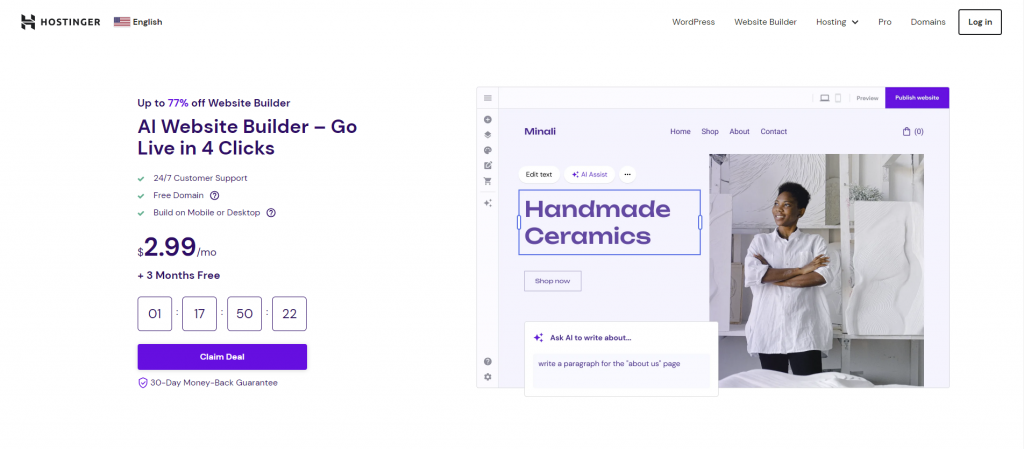
Once you’re in your dashboard, click the purple “Create” button. The AI will ask you to describe your website. Don’t be vague. Instead of saying “I sell coffee,” try “A cozy neighborhood cafe in Seattle specializing in organic cold brew and vegan pastries.” The more detail you give, the better the initial design, images, and text will be.
2. AI Generation vs. Templates
- The AI Route: Within seconds, Hostinger generates a unique layout. If you don’t like the first version, you can tweak your prompt and try again.
- The Template Route: If you prefer a “hybrid” approach, you can choose from over 150 pre-made templates. Look for the ones tagged “Personalize with AI”—these offer a rock-solid foundation while still letting the AI fill in the blanks.
3. Customizing with Drag-and-Drop
Hostinger’s editor is incredibly intuitive. There are 14 core elements (social icons, forms, galleries, etc.) that you can simply drag onto the page. No messy menus—just the essentials.
Why it works: It strikes a great balance. You get enough freedom to make the site yours without the “analysis paralysis” that comes with more complex builders like WordPress.
The “Secret Sauce”: Hostinger’s AI Toolbelt
If you’re on the Business plan, you get access to tools that would normally cost hundreds of dollars in separate subscriptions:
- AI Logo Maker: It generates clean, high-res logos in seconds. Perfect for a new project.
- AI Blog Generator: Just enter a few keywords, and it writes an entire SEO-friendly post. It’s a massive timesaver, though I always recommend doing a quick human “polish” before publishing.
- AI Heatmap: This is a game-changer. It predicts where visitors will look and click. You can use this data to move your “Buy Now” buttons to the spots where people actually spend time.
- AI SEO Assistant: SEO can be a nightmare, but this tool handles your meta descriptions and sitemaps automatically. It even gives you a progress bar to show how “ready” you are for Google.
Security and Speed: The Boring (but Important) Stuff
A pretty website is useless if it’s slow or gets hacked.
- Security: Every plan includes a free SSL certificate. If you’re running a shop, your customers’ payment info is encrypted and safe.
- Speed: Google likes sites that load in under 2.5 seconds. In my testing, Hostinger’s AI-generated sites easily beat that mark, which is huge for your search rankings.
The Verdict: Is it worth it?
Hostinger isn’t a magic wand—you’ll still need to spend some time swapping out photos and refining your text. However, as far as AI website builders go, it’s one of the fastest and most user-friendly options on the market.
Final Thoughts:
- Best for: Small business owners, bloggers, and beginners.
- Not for: People who need highly complex, custom-coded enterprise applications.
Ready to start? Grab a plan, use the AI builder, and you could literally have a live URL to share by the time you finish your coffee.



Thanks for breaking down the Hostinger AI Website Builder so clearly—especially the part about the Business plan being key for accessing the full AI suite. As someone testing AI tools for small businesses, it’s helpful to see how the platform balances ease of use with functionality. The step-by-step approach really makes the process feel less overwhelming.