
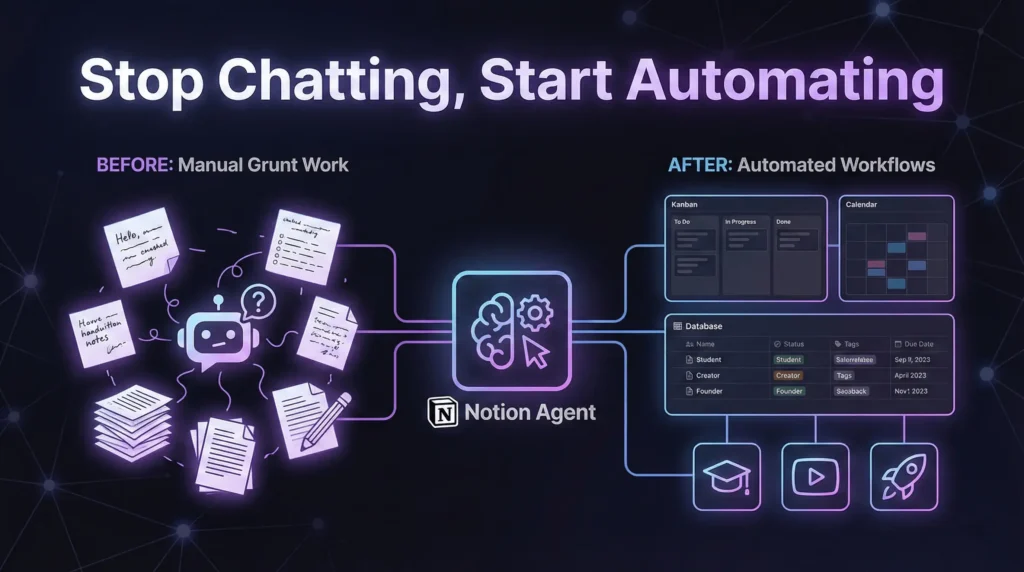

There is a massive problem with most AI tools on the market today. If you’re like me, you’ve probably tested dozens of them. While they are impressive, they usually stop at being a “chatbot.” They generate text, but they leave the grunt work to you. You still have to copy data, paste it elsewhere, format it, and organize it. It’s messy and time-consuming.
Enter Notion 3.0 and the Notion Agent.
Notion has launched an AI that doesn’t just chat—it does the work for you. Think of Notion Agent not as a tool, but as a real teammate. It can create pages, update databases, access the internet, and deliver actual outcomes.
Here is how Notion Agent is changing the game for students, creators, and founders, and how you can use it to automate your life.
What makes Notion Agent different?
Most AI tools generate content. Notion Agent delivers outcomes.
Instead of just giving you a paragraph of text, Notion Agent interacts directly with your workspace. It can build entire learning ecosystems, organize complex projects, and manage team assignments end-to-end. It bridges the gap between generating an idea and executing it.
Here are five powerful ways to use Notion Agent to get things done.
1. The Ultimate Student Workflow: Creating Learning Ecosystems
If you love learning new skills—like mastering Microsoft Excel—you know that taking notes is only half the battle. You also need a schedule and a structure.
With Notion Agent, you can turn a simple page of rough notes into a comprehensive study guide in seconds.
The Prompt:
“Create a personalized study guide based on this page. Break it down into weekly topics. Generate key points and deadlines and build a notes database and calendar to track topics.”
The Result: Notion Agent transforms text into a fully functional Learning Ecosystem. It automatically generates:
- A calendar view with deadlines.
- A database of notes populated with properties like Topic, Week, Status, and Revision Date.
- A study roadmap broken down by week.
You no longer have to build the table; the Agent does it for you.
2. Active Recall: Instantly Generate Quizzes
For students or lifelong learners, reading isn’t enough. You need to test your knowledge. Notion Agent acts as a tutor to help you prepare for exams or retain book knowledge.
The Workflow: Open a page with your recent book notes or class summaries and ask the Agent to:
“Generate a quiz with 5 to 10 practice questions and answers based on this content for active recall.”
Notion Agent will not only write the questions but can also format them into Toggle Lists. You can try to answer the question yourself, then toggle the block open to reveal the correct answer.
3. For Creators: Building Actionable Dashboards
Creators often get stuck in “admin hell”—managing video statuses, scripts, and editors. Most AI tools can’t touch your internal workflow, but Notion Agent can.
You can ask it to build a dashboard from scratch:
“Create a YouTube dashboard to track video status (Idea, Scripting, Recorded, Edited, Uploaded) and assign tasks to specific team members.”
Why this is a game changer:
- Creation: It builds the database with the correct properties (URL, Owner, Status, Publish Date).
- Population: It can fill the dashboard with sample data or your actual video ideas.
- Updates: You can tell the Agent, “Change the status of all videos assigned to [Name] to ‘Done’,”, and it will update the database entries for you.
4. Visual Brainstorming: Turning Data into Strategy
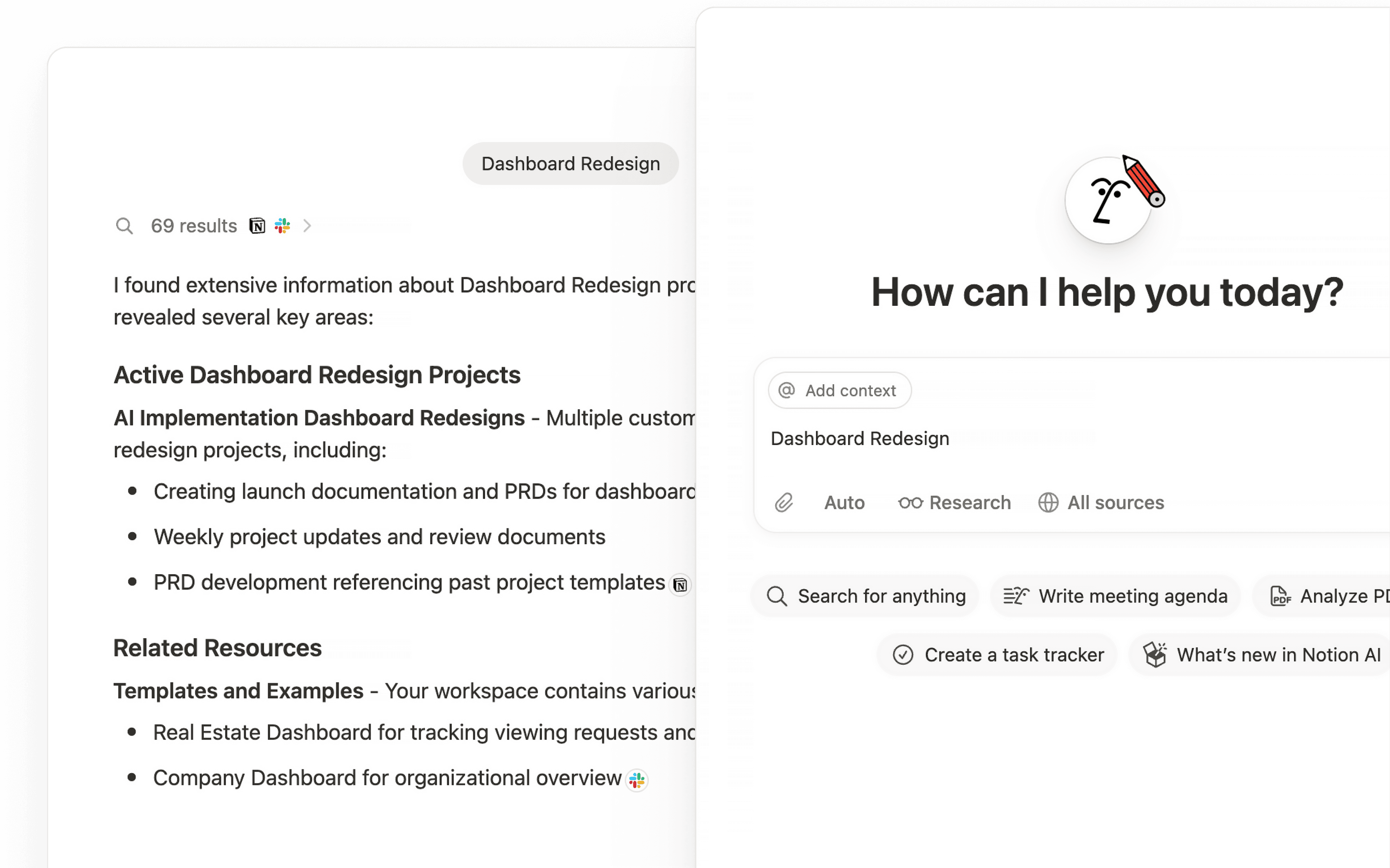
Notion Agent is multimodal—it can “see” images. This is perfect for analyzing analytics without manual entry.
The Strategy: Take a screenshot of your YouTube analytics (or Stripe dashboard) and drag it into the Notion Agent chat. The Prompt:
“Based on the last 12 videos in this image, create a list of new video ideas that will get high views.”
The Agent analyzes your past performance to suggest high-impact ideas, complete with predicted viral hooks and video types. It then drops these ideas directly into your content calendar.
5. Event Planning: Replicating Success
If you organize events, hackathons, or workshops, you rarely start from scratch. You usually want to replicate a previous success in a new location.
Instead of copy-pasting and editing old documents, ask Notion Agent to do the heavy lifting. The Prompt:
“Create an execution plan for a Bangalore Hackathon based on the previous Mumbai event brief. Include speaker outreach, judge shortlists, and a setup checklist.”
In under two minutes, you get a full execution plan including timelines, owners, and track details tailored to the new event.
Conclusion: The Era of the AI Teammate
We are moving past the era of manual data entry. With Notion 3.0, the friction between having an idea and organizing the execution is gone.
Whether you are a student trying to master a subject, a creator managing a channel, or a founder planning an event, Notion Agent acts as a proactive teammate that works inside your workspace, saving you hours of manual labor every week.
Ready to stop doing the grunt work? Check out the new Notion Agent and see how much time you can save.



I really like how you highlight the shift from ‘chatting with AI’ to actually gettingNotion Agent Review work done, because that gap is exactly where most tools fall short. The examples you shared—like generating quizzes or transforming notes into dashboards—make it clear how much time can be saved when AI handles the operational steps, not just the text generation. It’ll be interesting to see how people redesign their workflows once they realize they can offload the busywork, not just the writing.